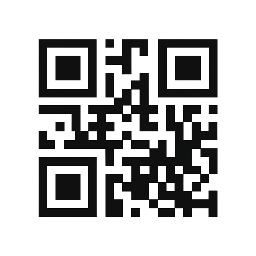
Seamless Transactions with PayQR’s QR Code System
Find quick answers to frequently asked questions about PayQR’s features and usage.
How do I start accepting payments using PayQR?
Simply generate your unique QR code via our dashboard and share it with customers for easy payments.
Which payment methods are supported with PayQR?
Customers can pay safely using Telebirr or CBE Birr through the generated QR codes.
Can I track my sales and transactions?
Yes, our intuitive dashboard lets you monitor transaction history and income reports in real time.
Is it possible to export data for tax purposes?
Absolutely, merchants can export tax-ready reports directly from the PayQR platform.
Secure Payments, Trusted Everywhere
Discover the certifications and robust security that make PayQR the trusted choice for Ethiopian merchants.

PCI DSS Compliance
Ensures all transactions meet global security standards, safeguarding your customers’ payment data.

End-to-End Encryption
Protects every transaction with advanced encryption, guaranteeing privacy and data integrity.

Ethiopian Financial Authority Approval
Certified by local regulators, confirming our commitment to compliance and trustworthy operations.
How PayQR Works
Discover how PayQR simplifies payments by generating QR codes for seamless transactions using Telebirr or CBE Birr.

Step One: Create Your QR Code
Begin by setting up your merchant profile and generating a unique QR code to accept payments securely.

Step Two: Customer Payment
Customers scan your QR code with Telebirr or CBE Birr to complete payments quickly and without errors.

Step Three: Track & Manage
Monitor your transaction history, income reports, and export tax-ready data through an intuitive dashboard.